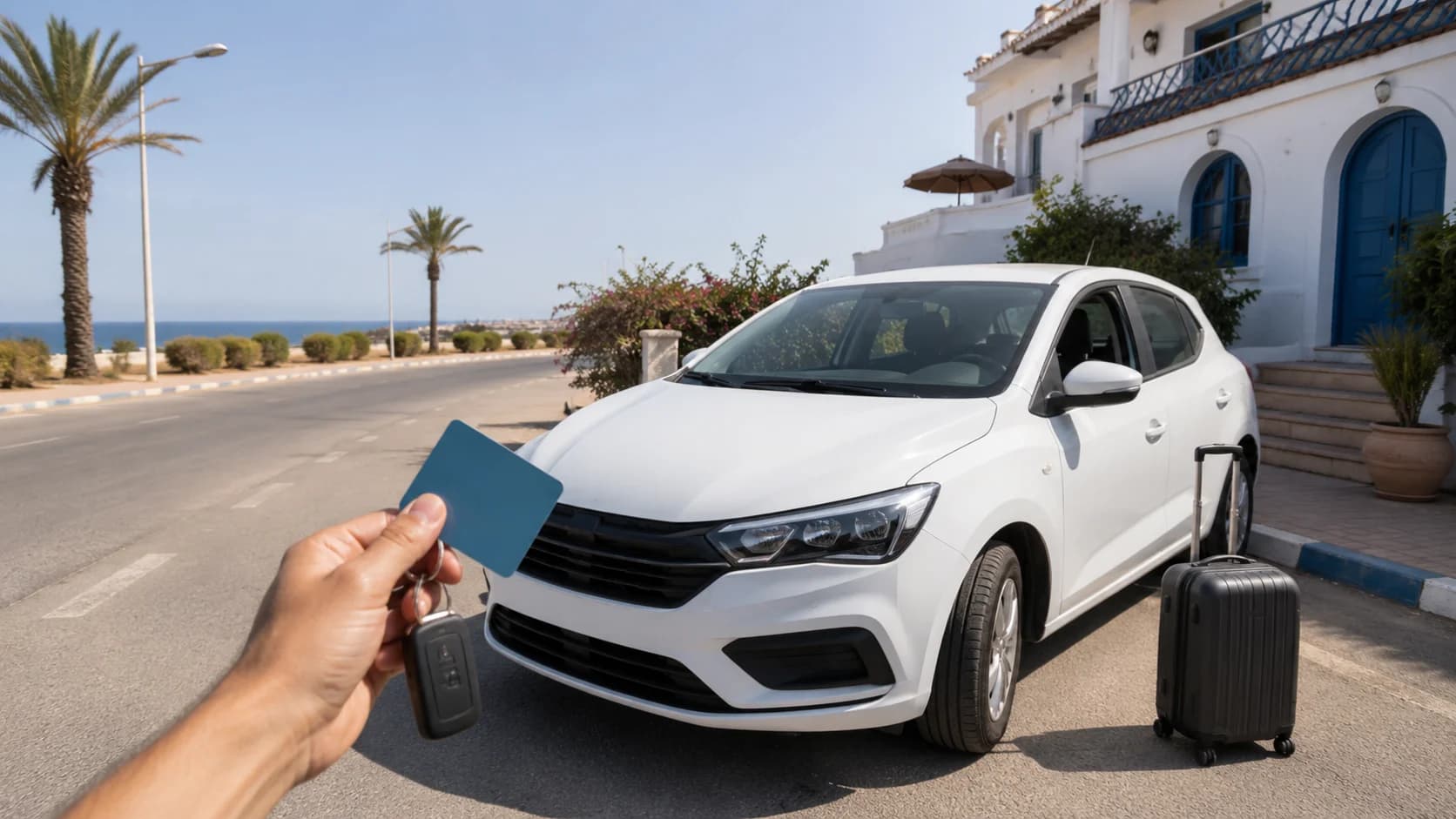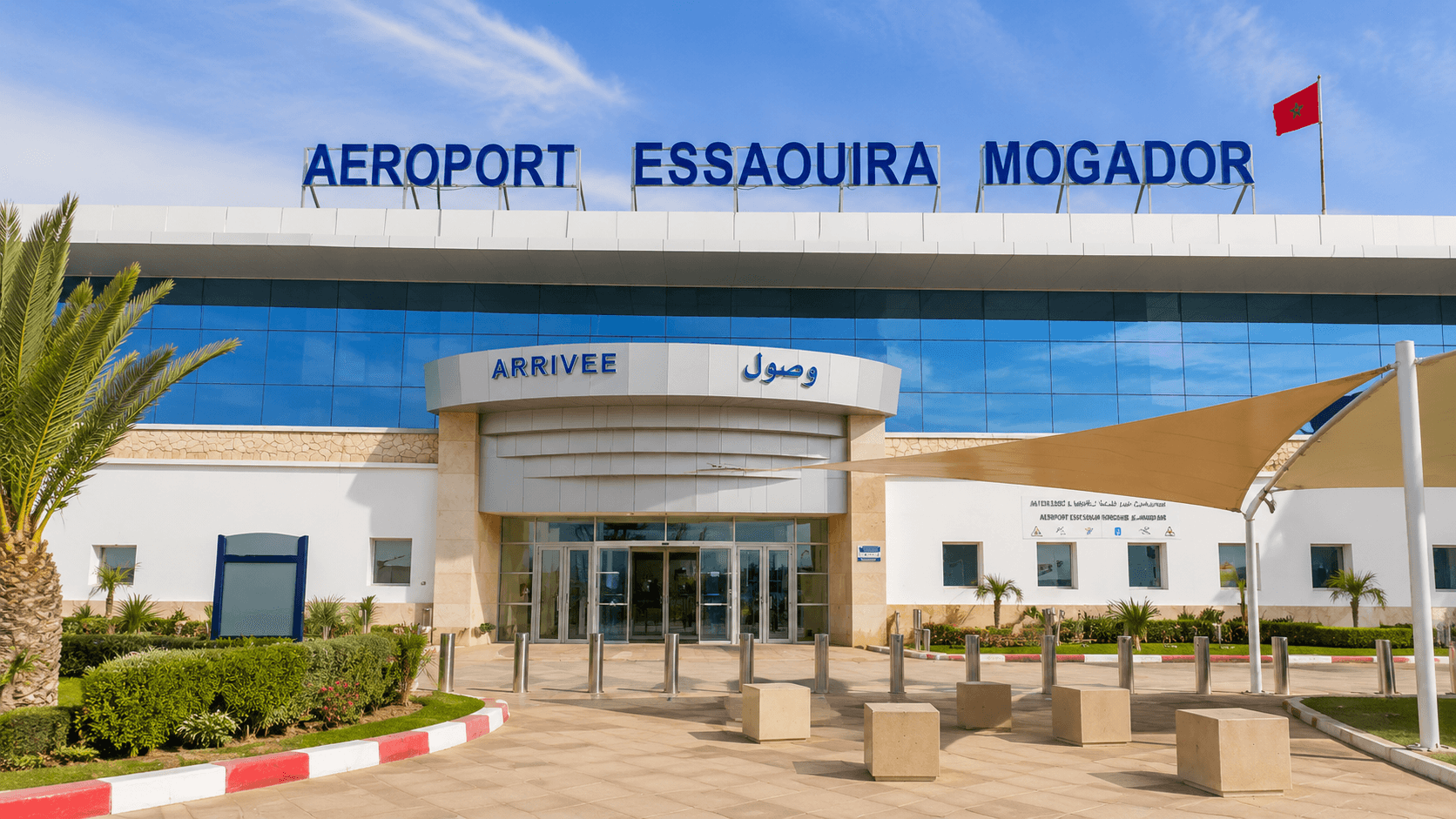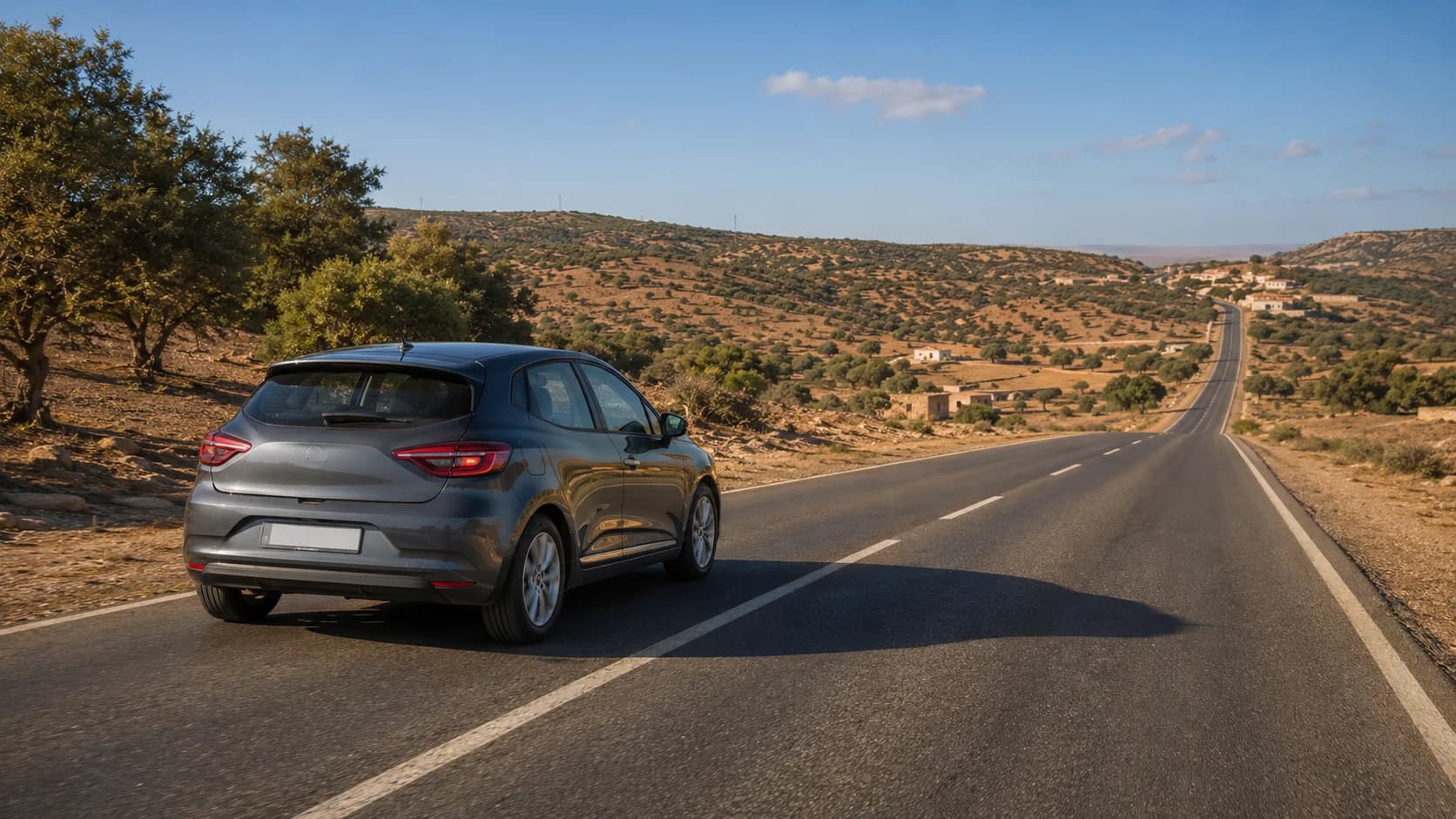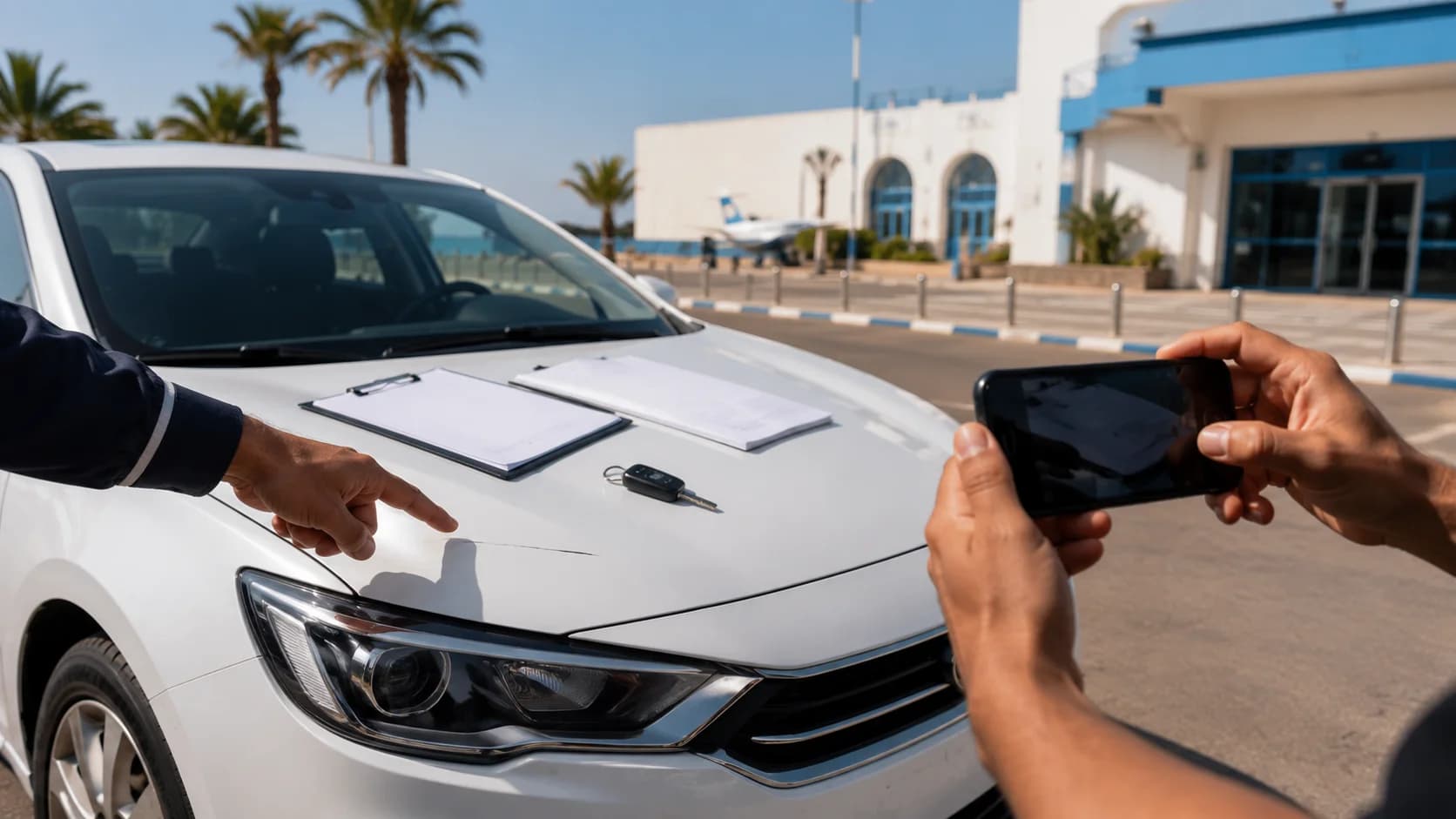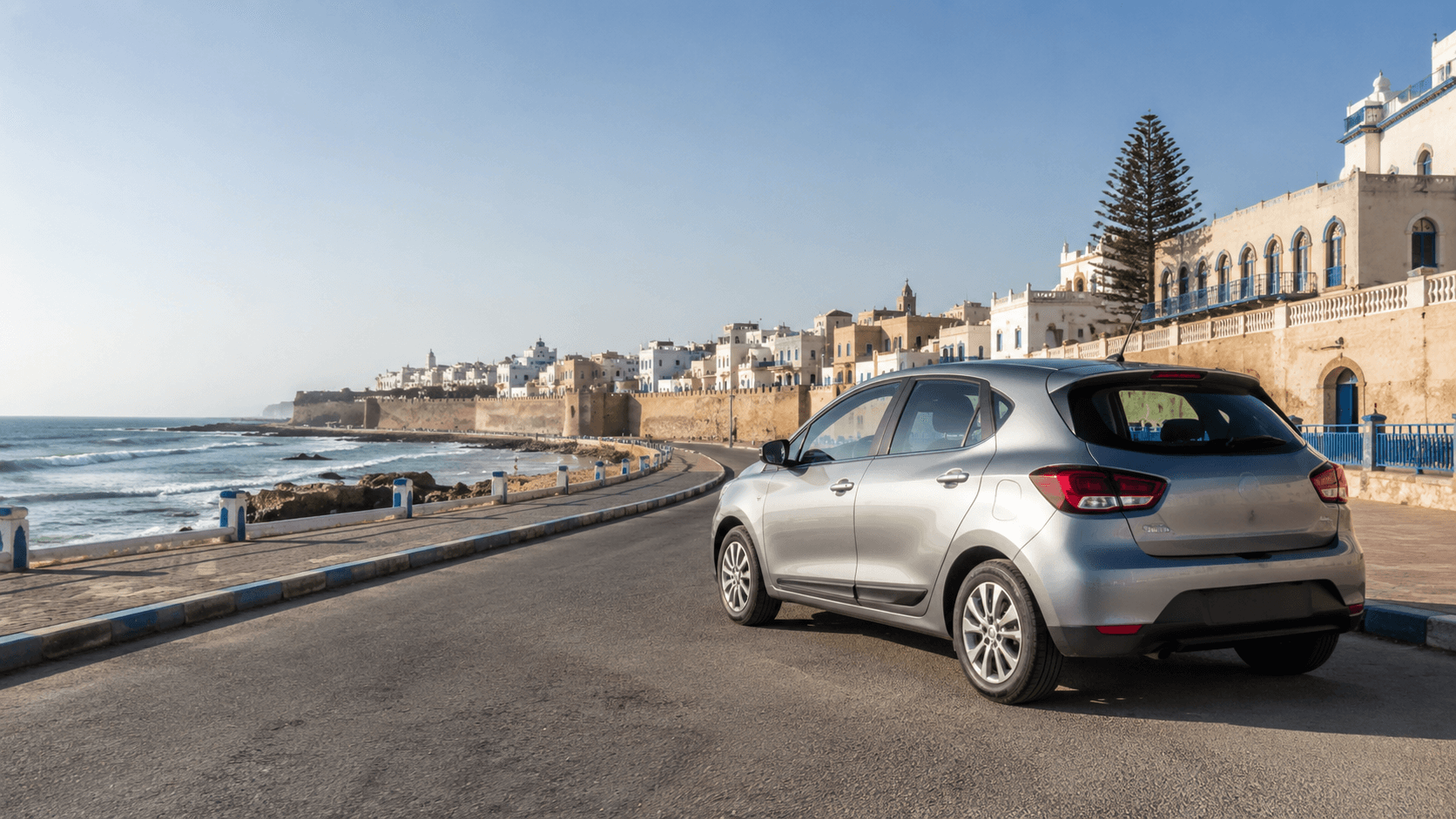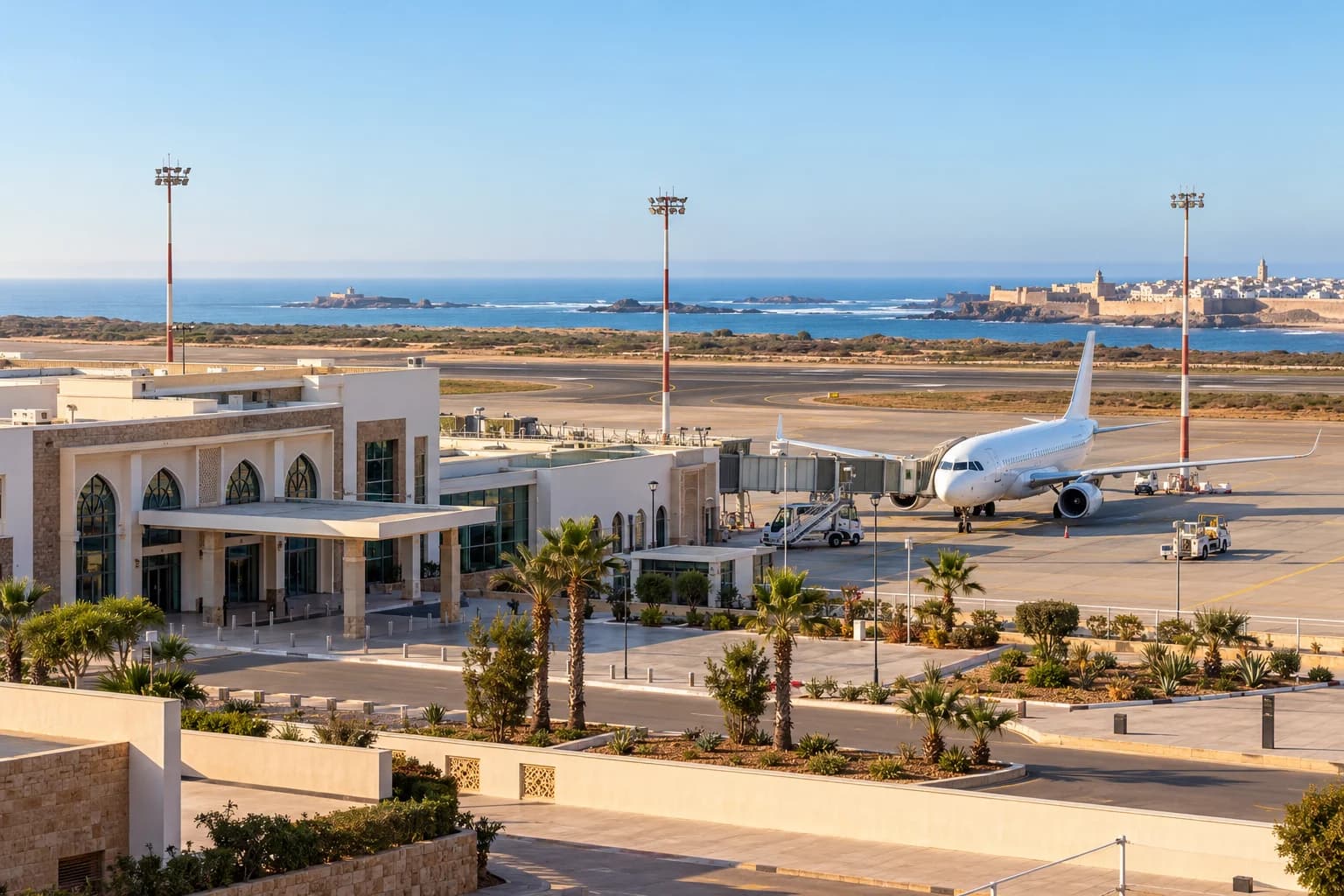









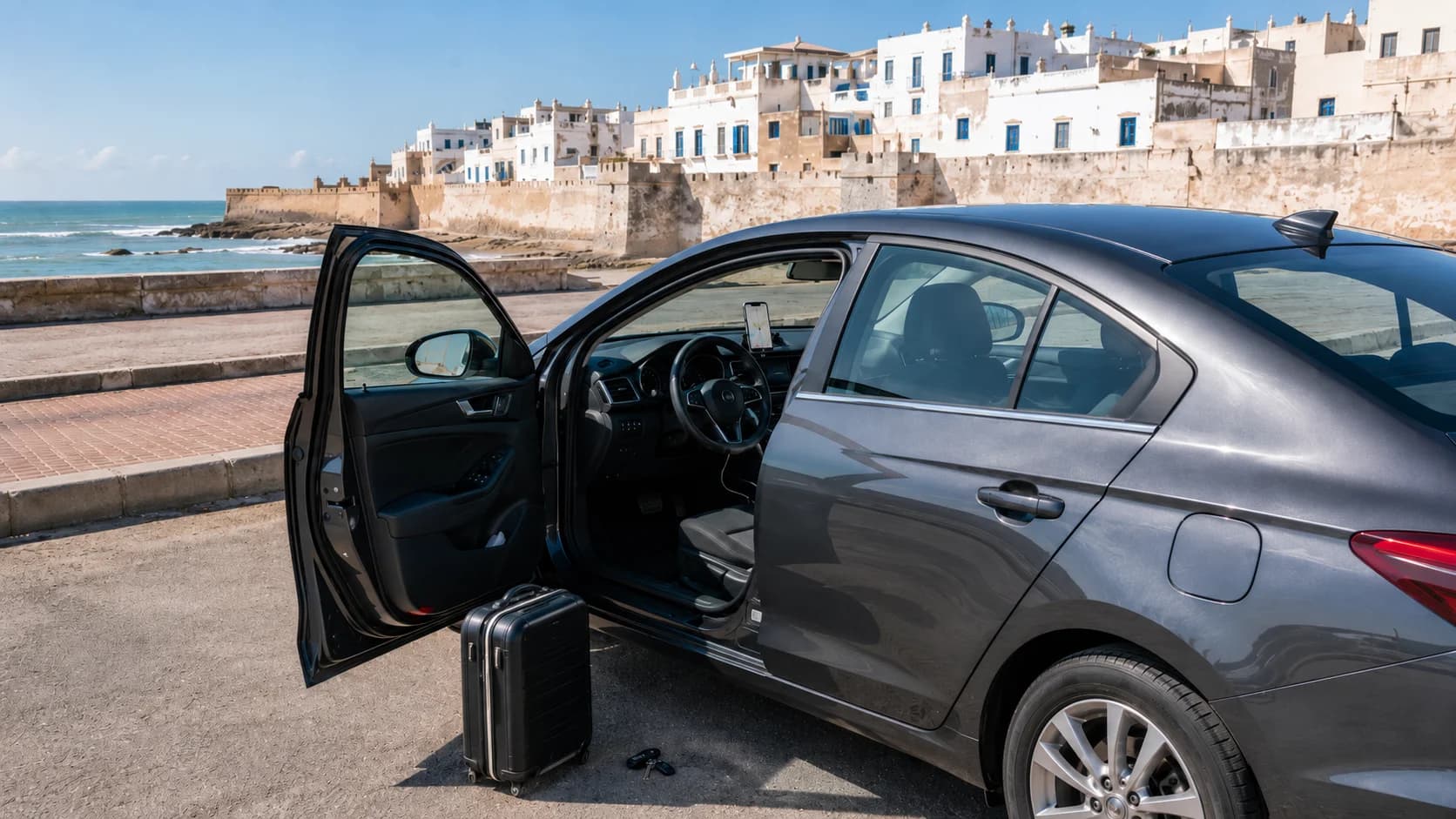
Driving in Essaouira is usually simple, relaxed and much easier than in bigger Moroccan cities, but good navigation still matters. The old medina is mostly car-free, the beach road can get busy, and coastal spots outside town are not always clearly signed. With the right setup, your phone can guide you from Essaouira Airport, your hotel or the medina edge to beaches, villages and parking areas without stress.
For most travelers, the best option is to use Google Maps with offline maps downloaded before the trip, plus mobile data from a Moroccan SIM or eSIM as backup. If you are renting a car, choose a comfortable vehicle from car rental Essaouira (airport), keep your route ready before you drive, and save key points like your hotel, parking area, fuel station and return location.
Does Google Maps work in Essaouira?
Yes, Google Maps works well in Essaouira for normal driving routes, airport pickup, beach roads, main parking areas and trips along the coast. It is especially useful for finding the right approach road to the medina, the port, the beach promenade and nearby villages.
The main thing to understand is that Google Maps may lead you close to the medina, but not always directly to your riad door. Essaouira’s historic medina is known for its ramparts and compact layout, and UNESCO describes it as a clearly defined fortified town with its original style still intact. That is beautiful for walking, but it means drivers should plan to stop at a medina-edge parking area and continue on foot or with luggage assistance.
For simple city driving, a small sedan is usually enough. If your plan includes Sidi Kaouki, Moulay Bouzerktoun, quiet beaches or countryside roads, an SUV rental Essaouira can feel more comfortable on rougher access roads.
Downloading offline maps first
Before you leave your hotel Wi-Fi or airport connection, download the Essaouira area on Google Maps. Offline maps let you navigate even when mobile signal is weak or your data package stops working. Google’s own help explains that you can download an area in advance and use it for offline navigation, which is useful when signal is unreliable.
Download more than just the city center. Include Essaouira Airport, the medina, the beach road, Sidi Kaouki, Diabat, Moulay Bouzerktoun and any coastal stops you plan to visit. If you are driving from Marrakech, Agadir or Safi, download the full route corridor, not only the destination.
A smart trick is to save important locations as favorites before you drive. Save your hotel, the rental car return point, the nearest fuel station, your chosen parking area and a backup parking area. This makes GPS driving Essaouira much easier because you do not need to type while parked in a busy street.
SIM cards and data for the coast
Offline maps are important, but mobile data still helps. Live traffic, recent road changes, business hours, hotel pins and WhatsApp support all work better with data. In Morocco, travelers can use a local SIM, eSIM or international roaming, depending on their phone and travel style.
For Essaouira, you do not need a huge data plan just for navigation. Maps use little data compared with video, but WhatsApp calls, photos and social media can use more. If your trip includes coastal exploration, a local SIM or eSIM is useful because some beach areas can have weaker signal, and switching back to offline maps can save you if coverage drops.
The easiest setup is: download offline maps first, then use mobile data only for live updates. This gives you a strong backup if your signal disappears outside town.
Built-in GPS vs your phone
Some rental cars may have built-in GPS, but most travelers will still prefer their phone. Your phone has updated apps, saved places, hotel locations, WhatsApp links and live map data. Built-in GPS can be helpful, but it may not always include small local roads, new parking points or updated business pins.
For city driving, a sedan rental Essaouira with your phone mounted safely is usually enough. A built-in screen is nice, but not necessary if your phone is charged and ready.
The best setup is to use your phone as the main navigation tool and keep the car’s GPS or a saved offline map as backup. Before leaving, check that the charger works, the route is loaded and the phone is not overheating in direct sun.
Navigating to medina-edge parking
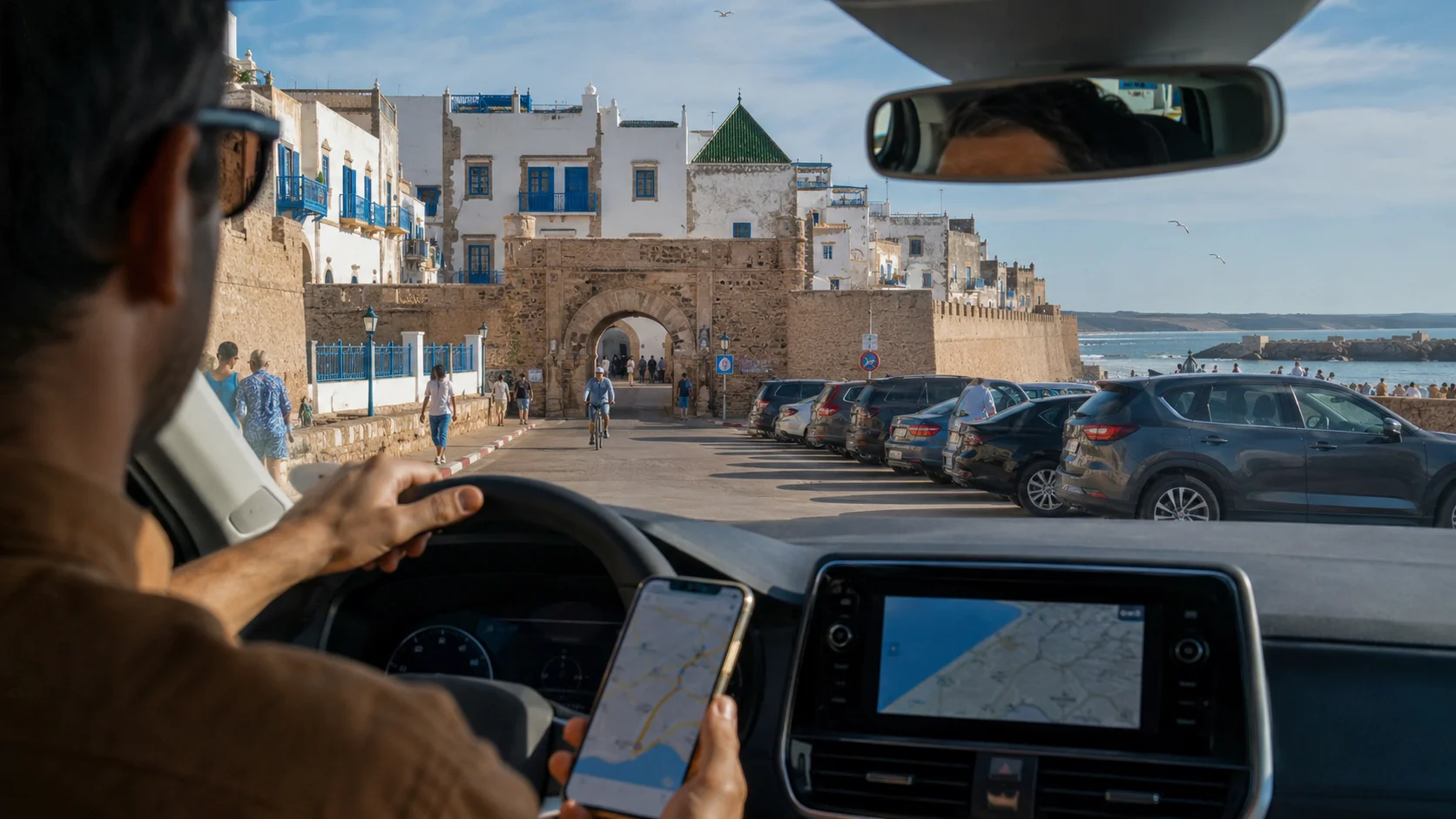
The biggest navigation mistake in Essaouira is trying to drive deep into the medina. Instead, search for parking near the medina gates, the port side or the beach side, depending on where your accommodation is located.
Do not set your route only to the riad name if it is inside the old medina. Set the route to the nearest parking area first. Once parked, call or message your accommodation and ask for the easiest walking route or luggage meeting point.
When using Google Maps Essaouira offline, zoom in before arrival and check the final streets. If the last part looks narrow, pedestrian-only or unclear, stop earlier and confirm by phone. This is much easier than reversing in a tight lane with scooters behind you.
Finding coastal spots and tracks
Essaouira is not only the medina. Many travelers drive to Sidi Kaouki, Diabat, Cap Sim, Moulay Bouzerktoun or quiet viewpoints along the coast. Navigation works well for the main villages, but smaller beach tracks can be less exact.
For coastal drives, use satellite view before leaving town. This helps you see if the final access road looks paved, sandy, rocky or narrow. If you are in a normal sedan, stay on clear roads and park before the track becomes rough. If you plan to explore more remote beaches, an SUV is the safer choice.
Do not follow every small track just because it appears on the map. Coastal sand, soft shoulders and uneven ground can be difficult, especially after wind or rain. If the road looks uncertain, stop, check by foot, or choose a more visible parking point.
Avoiding helpful guides on motorbikes
In some Moroccan cities, drivers may be approached by people offering to guide them to a hotel, parking area or shortcut. In Essaouira, this is usually less intense than in larger cities, but it can still happen near popular arrival points.
The safest answer is polite and simple: “No thank you, we have the location.” Keep driving calmly to your saved parking point. Do not follow a random motorbike into narrow streets just because they say your hotel is difficult to find.
If you really need help, contact your riad, hotel or rental support directly. With MarHire Car Essaouira, the CTA is simple: set your route and let nothing slow you down. Pair your offline map with a reliable car and WhatsApp support if you ever need directions.
Mounting your phone safely
Phone navigation is only useful if it is safe. Do not hold your phone while driving. Use a proper dashboard or air-vent mount, set the route before you move, and let the passenger handle changes when possible.
Keep the screen brightness visible, but avoid placing the phone where it blocks your view. Essaouira has pedestrians, cyclists, scooters, taxis and beach traffic, so your eyes should stay on the road, not on the map.
Also prepare your audio navigation. Turn on voice directions before leaving the parking area, especially if you are driving alone. This reduces the need to look at the screen.
Backup navigation tips
A good backup plan makes driving calmer. Take a screenshot of your route, save your hotel address in both English and French if possible, and keep the phone number of your accommodation ready. Also save the rental car return location as a starred place.
If your map freezes, pull over safely before fixing it. Do not stop suddenly in a narrow street. If you are outside Essaouira and lose signal, continue to the last clear main road or village instead of following unknown tracks.
For longer coastal drives, tell someone your plan, keep enough fuel, and do not rely only on one app. Google Maps is the main choice for most travelers, but Maps.me, Waze or Apple Maps can also be useful backups depending on your phone.
Pre-drive navigation checklist
Before driving in Essaouira, check these points:
Download the offline map for Essaouira and the coast.
Save your hotel, parking area, airport and return location.
Charge your phone and connect it to the car charger.
Set the route before moving.
Use a secure phone mount.
Check the final approach to the medina before arrival.
Keep WhatsApp support and hotel contact ready.
Avoid following unofficial guides.
Use satellite view for beach tracks.
Carry a backup screenshot or saved address.
With these steps, GPS driving Essaouira becomes simple. You can enjoy the medina, beach road and Atlantic coast without worrying about signal drops, confusing alleys or last-minute parking stress.
FAQs
Does Google Maps work offline in Essaouira?
Yes. If you download the Essaouira area before your trip, Google Maps can still provide offline driving navigation. Live traffic and some place updates may need mobile data.
Do you need a SIM card to navigate in Morocco?
You do not strictly need one if you download offline maps, but a Moroccan SIM or eSIM makes navigation easier because it gives you live updates, WhatsApp support and access to hotel pins.
Is GPS reliable on the Essaouira coast?
GPS is usually reliable on main roads and villages around Essaouira. For small beach tracks, use caution because the final access may be sandy, rough or less accurately mapped.
What is the best navigation app for Morocco?
Google Maps is the easiest choice for most visitors. It works well for city routes, main roads and saved places. A second app such as Maps.me, Waze or Apple Maps can be useful as backup.
How do you navigate to medina parking?
Do not route directly to a riad inside the medina. Search for a parking area near the medina edge, park there, then walk or contact your accommodation for luggage help.
Can you find coastal beaches with offline maps?
Yes, you can find many coastal beaches with offline maps, but download the wider coastal area first. Use satellite view before departure to check if the final road looks suitable for your car.
Should you rent a GPS or use your phone?
Most travelers should use their phone. It is easier to update, works with saved places and connects to WhatsApp. A rented GPS can be a backup, but it is usually not necessary.
Why do locals offer to guide you to your hotel?
Some people offer directions near medinas or parking areas because visitors often get confused. Some are helpful, but some expect payment. It is better to follow your saved route or contact your hotel directly.
Does offline navigation use mobile data?
Offline maps use downloaded map data, so they reduce mobile data use. However, live traffic, updated business details and route changes may still need internet.
What navigation backup should you carry?
Carry a screenshot of your route, your hotel address, the rental return location, a phone charger and your accommodation contact. For longer coastal drives, save a second map app too.
Ready to Drive Around Essaouira?
Set your route before you move, download your offline map and keep your key locations saved. With car rental Essaouira (airport), a comfortable sedan or SUV, and WhatsApp support when you need it, exploring Essaouira and the Atlantic coast becomes simple, flexible and stress-free.